New in Solarday 1.4
Solarday on iPhone Duo
Open it, and Day and Do sit side by side, like a paper planner.

Free · Released October 14, 2026 · Updated
Open
Day and Do, side by side.
Day is on the left, with the weather, sunrise and sunset, the moon and your Intention. Your Dos are on the right, under their Dividers.
Fully open or partly folded, Solarday fills the whole inner display. Settings, Future and the + button share one column along the edge.

Closed
The whole Day, on the cover display.
Closed, you get the full Day view, the same one you’d see on any iPhone. The date, weather, sun times, moon and your Intention are all there without opening the Duo.
The controls sit in a slim column along the edge, so the Day gets the full width. Turn the Duo on its side and Solarday turns with it.

Made for the fold
Laid out for the Duo, not stretched to fit.
-
Two columns when it’s wide
When the inner display is wider than it is tall, Day and Do sit side by side. Partly folded, the fold falls in the gap between them.
-
No seam at the fold
The gap between the columns carries your theme, so there’s no white line down the middle.
-
Controls where iOS puts them
On the Duo, iOS moves toolbars into a slim column at the side. Solarday uses the system’s own bars, so its buttons go there too.
-
Turns with you
Closed, Solarday works upright or on its side. Open and upright, Day and Do take turns, with tabs.
-
Lists that stay readable
On the wide screen, your Dos stop at a comfortable width instead of stretching edge to edge.
-
Dividers, redrawn
Dividers were redesigned so they hold their shape on the wider screen.
Choosing a planner
What should you check in any planner on iPhone Duo?
An app that only runs upright isn’t laid out for the open Duo. iOS shows it in a phone-shaped window, with black bars either side. Four things are worth a look.
-
Does it fill the inner display?
Open the Duo. Black bars either side mean the app hasn’t been adapted. Solarday fills the screen.
-
Does it use the extra width?
A wider screen should show more, not one list stretched across it. Solarday puts Day and Do side by side.
-
Can you read it closed?
You’ll often check your plan without opening the Duo. Solarday’s full Day view fits the cover display.
-
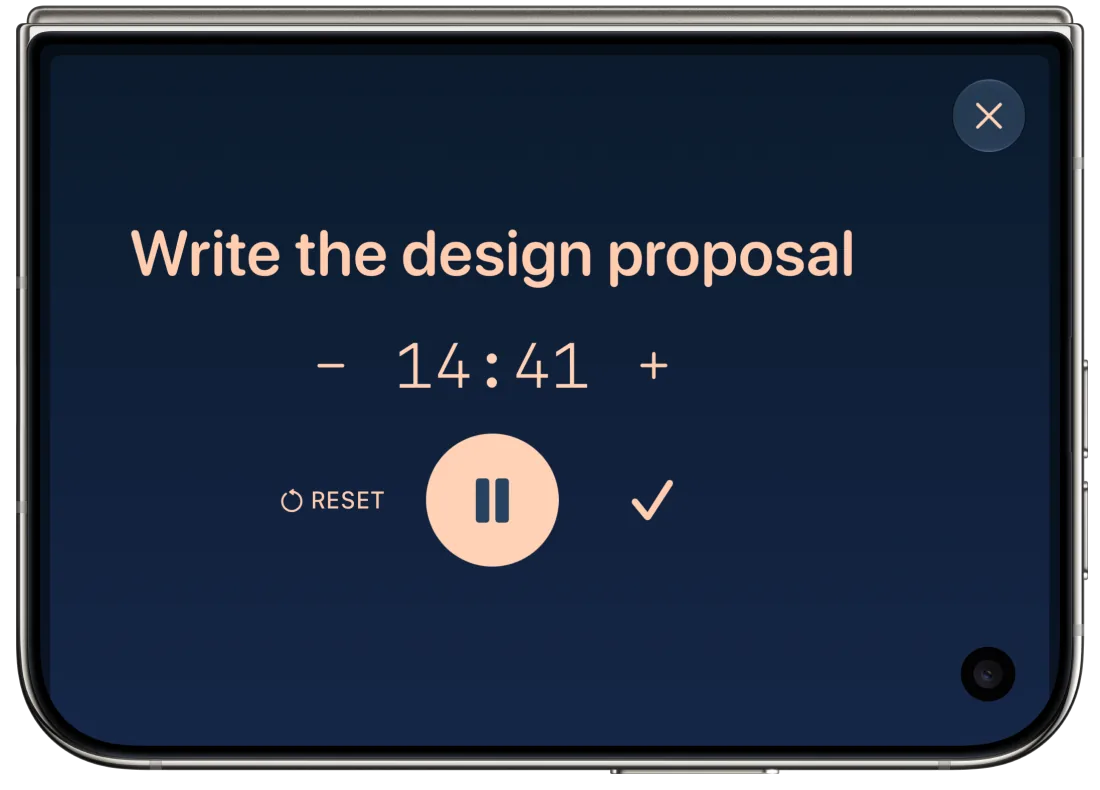
Does its timer fit the Dynamic Island?
On iPhone Duo the Dynamic Island is a tall, narrow pill. Solarday’s Focus timer shows a ring and the Solarday mark there.
Questions
iPhone Duo questions.
Does Solarday work on iPhone Duo?
Yes. Solarday has been made for iPhone Duo since version 1.4, released on October 14, 2026, ahead of the Duo’s launch. Open, Day and Do sit side by side. Closed, the full Day view fits the cover display.
Does it work partly folded?
Yes. Partly folded, Day and Do stay side by side, with the fold in the gap between them.
Does it work in landscape?
Yes, on both displays. Closed, Solarday turns with the Duo. Open and upright, Day and Do take turns, with tabs.
Is it a separate app for iPhone Duo?
No. The same Solarday works on iPhone and iPhone Duo, and syncs between them through your own iCloud account.
What does Solarday cost?
Solarday is free on the App Store, with no ads and no subscription. An optional one-time Early Bird Supporter purchase unlocks bonus themes.
About Solarday
A calm daily planner for iPhone.
Solarday has three spaces. Day is for sun, moon, rain, intention setting and reflection. Do is for doing things, with more focus. Future is for ideas for later. It was App of the Day on the App Store in 117 countries in August 2026, and in 31 countries in October 2026.
- Made by
- A small business of one operated by Siddharth S. Jha in Perth County, Canada.
- Price
- Free, with no ads and no subscription. Everything you write is end-to-end encrypted.
- Press
- iPhone Duo screenshots at full resolution, light and dark, plus the video: solarday-iphone-duo-press.zip, 9 MB. Everything else is in the press kit.
- Contact
- support@solarday.app
- Download
- Solarday on the App Store