
Solarday
Simple, calm productivity for good days.

It’s free.
Day, Do, and Future.
Three spaces, from morning to evening.
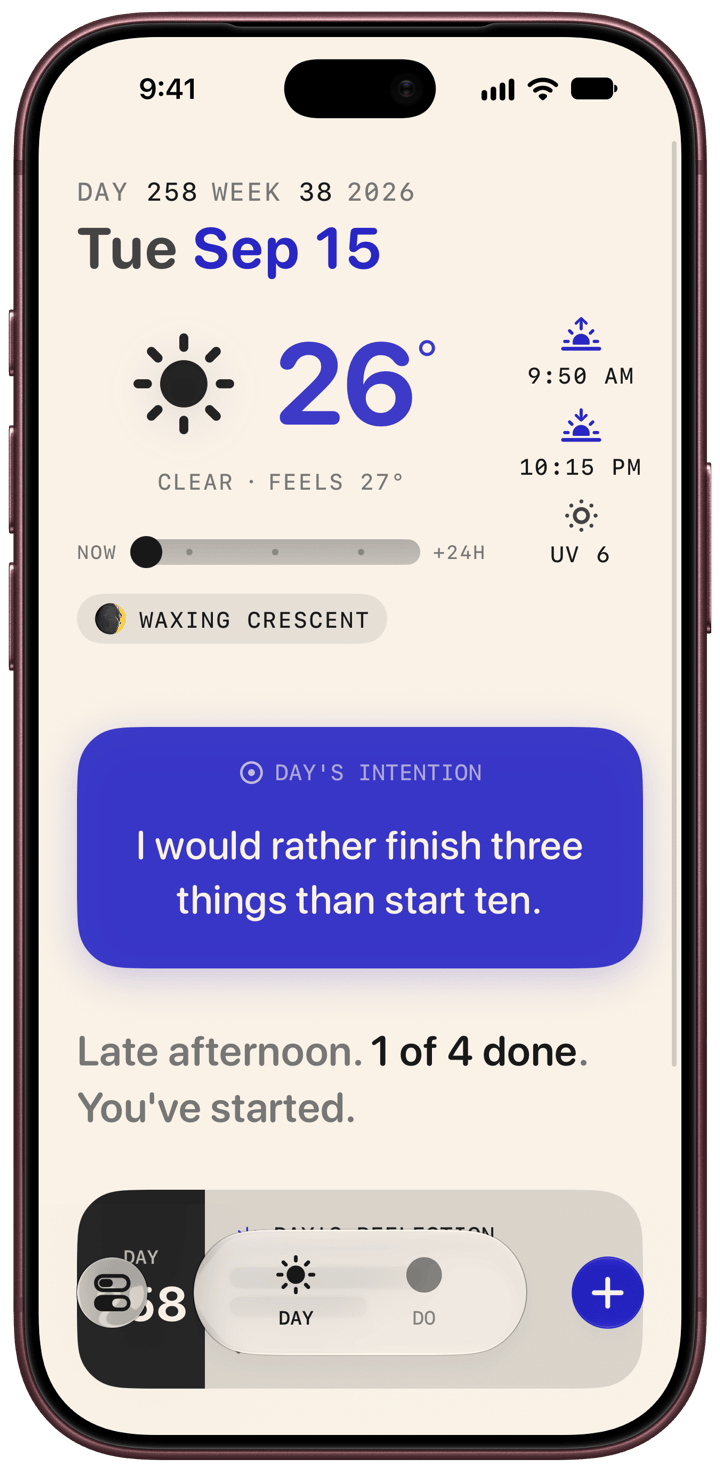
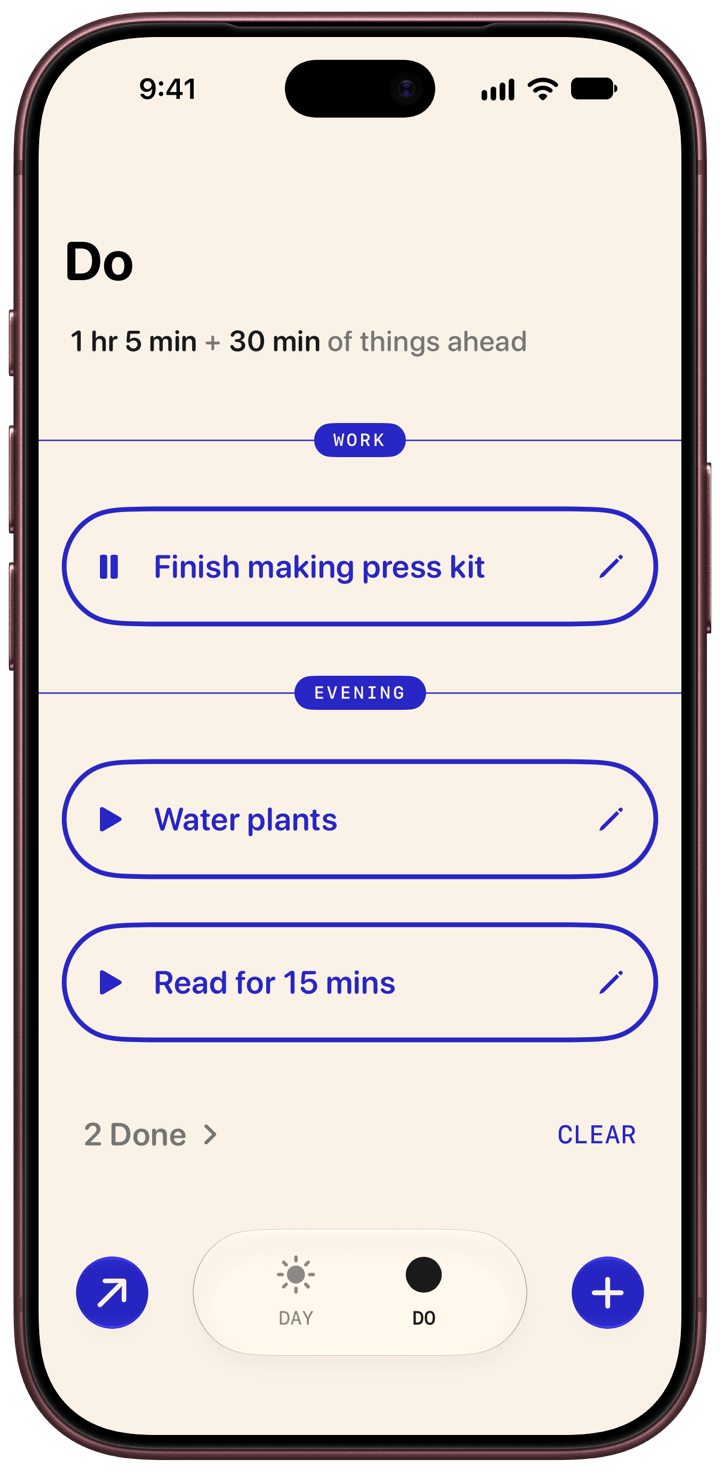
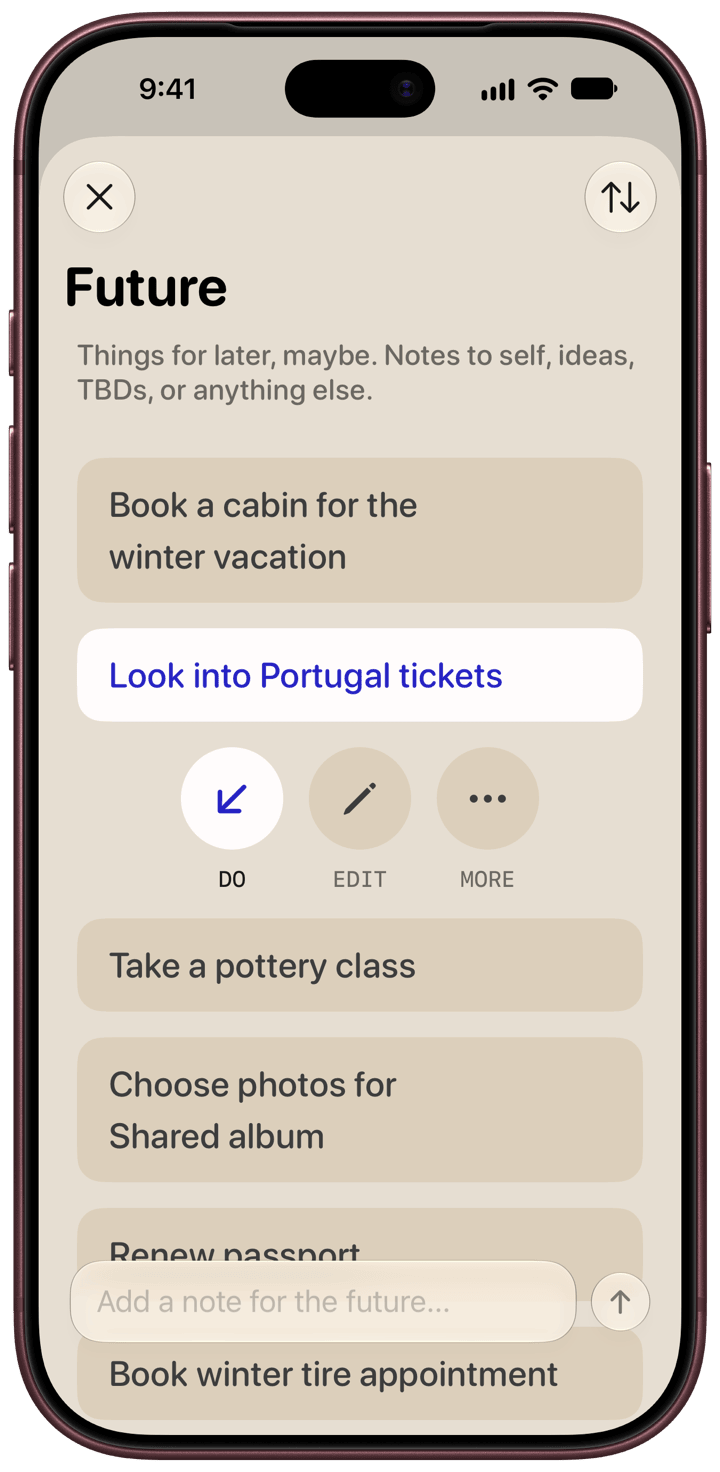
A lot of productivity has become drudgery. Solarday is an app that helps you find a little more meaning and delight in ordinary days. It’s for people who want to feel calmer while still making daily progress.
Day is for sun, moon, rain, intention setting and reflection. Do is for doing things, with more focus. Future is for forward-looking ideas in your life.
Solarday comes with themes, so you can choose a look for the mood. From the grey skies of London to the floor of a forest to the jammy periwinkle of a wild blueberry, each one has a day side and a night side.
Everything you write is end-to-end encrypted and backed up to iCloud.
The app is free to use and there are no ads. If you appreciate Solarday, consider upgrading to the Early Bird Supporter plan which is a one-time purchase that helps keep the whole thing afloat.
“Solarday is a productivity app that’s not about maximizing every second of the day but rather achieving balance while focusing on the things that matter.”
Common questions
How is my data kept private?
Everything you write in Solarday is encrypted with AES-256. That is the same standard used by banks. If you enable iCloud sync, your data is stored encrypted on Apple's servers in your personal iCloud account. Only you can see its contents.
Are there AI features?
Just one small one so far: generating intentions, which is powered by Apple Intelligence. Works with Siri AI in iOS 27. We're thoughtful about AI (no “AI for the sake of AI”) and will only add features that are private and genuinely useful.
Can I export my data?
Yes, you can export your intentions and reflections as a text file.
Is Solarday available on Android?
Solarday is currently iOS only. We don't have near-term plans for Android, but if you'd like to see it happen, let us know. It helps us gauge demand.
How do I send feedback or feature suggestions?
You can use the feedback links in Settings within the app, or just email us directly.